
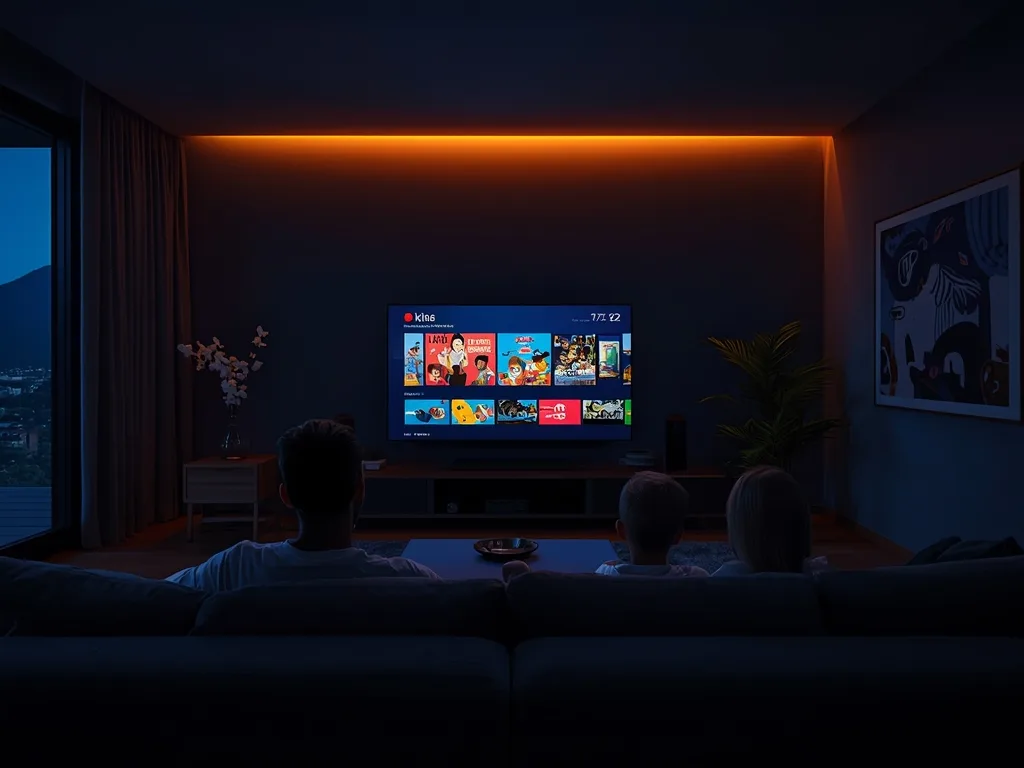
Best IPTV for Families: Kids, Controls and Screens
A family uses TV differently from a single viewer. The kids want cartoons, one parent wants the game, the other wants a series, and everyone wants it at the same time on a Saturday evening. On top of that, you need to know that young children are not stumbling into content meant for adults. This guide covers what makes the best IPTV for families and how to set it up so it works for everyone.
Kids Channels and On-Demand Cartoons
Check the channel list for the kids channels your children actually watch, then look at the on-demand library. Voco TV includes kids and family channels among its 50,000+ live channels, plus 100,000+ movies and series on demand, so there is always something to put on without waiting for a schedule. On-demand is often more useful for young children than live TV, because you choose the programme rather than taking whatever is on.
Parental Controls
Good IPTV setups let you control what children can see. Most popular player apps support a parental PIN and let you hide or lock categories. With Voco TV, the adult content package is an optional add-on that is off unless you ask for it, so it is not in your channel list by default. You can add a further layer by locking categories in the player app and using the parental controls on the TV or streaming device itself. Common Sense Media keeps a useful guide to parental controls for most devices.
Set the PIN in the player app on every device the children use, not just the main TV. A tablet in a bedroom is easy to forget.
Enough Connections for Every Room
The most common family frustration is "someone else is watching". Each screen streaming at the same time needs its own connection. Count how many screens are in use at your busiest time, often Saturday evening or a weekday after school. Voco TV plans include one, two or three connections; our guide to how many connections you need helps you pick, and the plans are on the pricing page.
Devices Everyone Can Use
Choose a player app with large, clear menus and favourites, so younger family members and grandparents can find their channels without help. Put each person's favourite channels at the top. Our guide to the best devices for Voco TV covers TVs, sticks, tablets and phones, and our multi-device guide explains how to use the same subscription across them.
Family Checklist
- Kids and family channels in the channel list
- A large on-demand library of movies, series and cartoons
- Adult content off by default, with a PIN in the player app
- Enough connections for your busiest evening
- A simple player app with favourites
- Support that answers quickly when the TV stops working
Saving Compared With Cable
For many families, the biggest benefit is cost. Cable plus a sports package plus two or three streaming apps adds up quickly. One IPTV subscription with enough connections can replace most of that. Our guide to IPTV vs cable compares the two in detail.
Try It With the Whole Family
The best test is a normal family evening. Message us for a Voco TV trial, set it up on the TV everyone uses, and see whether the kids find their cartoons and the adults find their game. If it works for your busiest night, it will work every night.
Ready to cut the cord?
Join 50,000+ subscribers streaming live TV, movies and series on premium IPTV in HD & 4K — cancel anytime, no contracts.