Best IPTV Player Apps Compared: What to Look For
An IPTV subscription has two halves: the service that delivers the channels, and the player app that displays them. The service gets most of the attention, but the player decides how pleasant the experience is day to day: how quickly channels change, how the guide looks, whether your favourites are easy to find. This article compares the main kinds of player apps and gives you a checklist so you can choose confidently rather than relying on a ranking that goes out of date.
Why a Single "Best Player" Does Not Exist
Search for the best IPTV player and you will see lists with confident rankings. The honest truth is that the best player depends on your device. An app that excels on Android TV may not exist on a Samsung TV, and the best iPhone option may not run on a PC. Apps also change: features come and go, and apps are added or removed from stores. So rather than crown a winner, it is more useful to understand the categories and what to check.
The Main Types of Player Apps
General media players
Players such as VLC, available from the VideoLAN website, can open an M3U playlist and are free and open source. They are reliable and run on many platforms, but they are not designed around live TV, so you will not get a polished channel grid or a full program guide.
Media centre software
Kodi is a well-known open-source media centre that can handle IPTV through its own add-ons and settings. It is powerful and customisable, but it takes more time to configure, and the experience depends heavily on the add-ons you choose.
Dedicated IPTV players
This group includes apps built specifically for IPTV, such as IPTV Smarters Pro and TiviMate, among many others. They focus on live TV with channel groups, favourites, search, a grid-style guide and often catch-up or recording features. Which of these exists on your device and what features are free versus paid varies, so check the current store listing rather than trusting an old review.
Provider-recommended apps
Many providers recommend one or two apps they have tested with their service. Starting there makes support easier, because the team knows how that app behaves. It is also the safest way to avoid compatibility surprises.
Features That Actually Matter
- Platform support: does it run on every device you plan to use?
- Login method: Xtream-style credentials, M3U link, or portal code; confirm your provider's format is supported
- Program guide: a clear grid view, reliable data and easy refresh; our guide to understanding EPG explains why this matters
- Speed: how quickly the app loads a big channel list and changes channels
- Favourites and search: essential once you have thousands of channels
- Catch-up and recording support, if your service offers them
- Decoder options: hardware decoding helps on weak devices
- Parental controls and multiple profiles, if children use the screen
- Update history: an app updated recently is more likely to be secure and compatible
Do not pay for a premium upgrade of a player until you have tested the free version with your own subscription. A free trial of the service plus the free version of the app tells you most of what you need to know.
A Simple Way to Choose
Start with your main screen. If it is a Firestick or Android TV device, the choice is wide and our guides to the Firestick and Android TV and Google TV cover setup. If it is a Samsung or LG television, begin with the store on the TV, as described in the Samsung and LG guides. For Apple devices, see IPTV on Apple TV, iPhone and iPad.
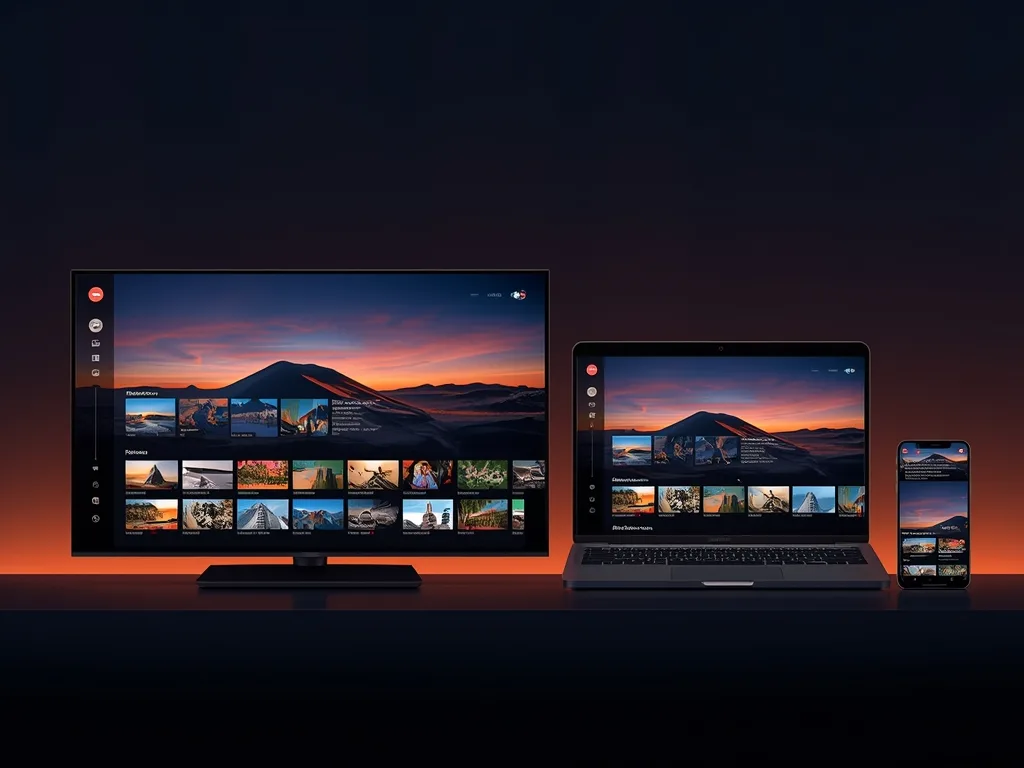
Then pick an app that also runs on your second and third devices, so you only learn one interface. If you plan to watch on several screens at once, check how many connections your plan includes.
Safety When Choosing an App
- Install from official stores or the developer's own website
- Be sceptical of apps that bundle their own channels or promise free premium content; the player should only play what your provider supplies
- Read the permissions an app asks for, and refuse anything unrelated to video playback
- Never share your playlist link or login publicly
A player app is just software; it does not give you any content rights. Our article on whether IPTV is legal explains why the source of the channels matters more than the app.
How Voco TV Fits In
Voco TV works through compatible player apps, and when you subscribe we tell you which setup suits your device. If you are weighing options, a short trial from the contact page lets you test the service and the app together before choosing from the pricing page.
Frequently Asked Questions
Is a paid player better than a free one?
Not automatically. Paid versions may add features like recording, multiple playlists or extra guide options. Test the free version first and pay only for a feature you will really use.
Can I use more than one player?
Yes. Many people keep a simple one for quick checks and a fuller one for daily viewing. Just remember that all of them draw on your plan's connection limit.
Why does the same playlist look different in two apps?
Each app handles grouping, sorting and guide data in its own way. The channels are the same, but the presentation and the way the guide is matched can vary.
Does the player affect picture quality?
Somewhat. Decoder choice, buffering settings and how well the app suits your hardware can affect smoothness, but the source stream sets the ceiling.
Final Thoughts
Instead of chasing a top-ten list, choose a player that runs on all your devices, supports your login format, has a guide you like and has been updated recently. Test the free version, keep your credentials private and keep the app updated. That approach holds up no matter how the app landscape changes.
Ready to cut the cord?
Join 50,000+ subscribers streaming live TV, movies and series on premium IPTV in HD & 4K — cancel anytime, no contracts.