
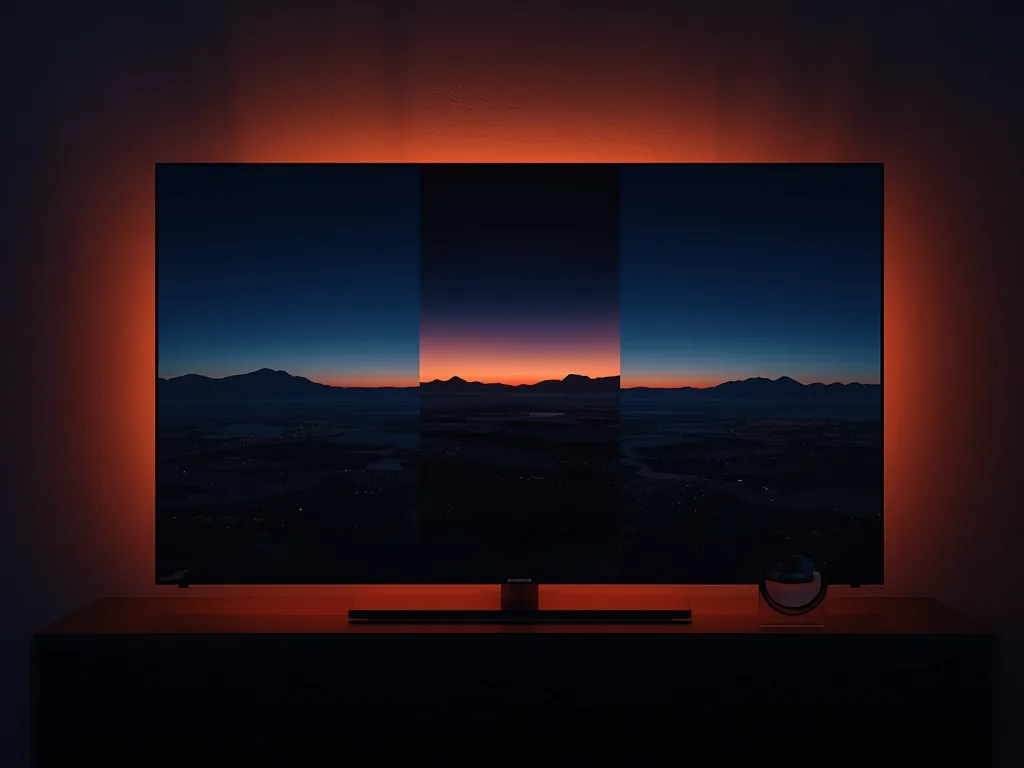
HD vs FHD vs 4K IPTV Explained: What You Actually Get
IPTV channel lists are full of labels: SD, HD, FHD, UHD, 4K. They look like a straightforward quality ladder, but they hide some important details about what you will actually see on your screen. This guide explains each level in plain language, what it requires from your TV and internet, and why some 4K channels look no better than a good Full HD one.
The Quality Levels in Plain Language
- SD (standard definition): roughly 480p or 576p; fine on a small screen, soft on a large TV
- HD: 720p, 1280 by 720 pixels; a decent picture and still common for sport and older channels
- FHD (Full HD): 1080p, 1920 by 1080 pixels; the everyday standard on most TVs
- 4K (also called UHD or 2160p): 3840 by 2160 pixels, four times as many pixels as Full HD
More pixels allow more detail, especially on bigger screens or when you sit close. On a small television viewed from across the room, the gap between FHD and 4K can be hard to notice.
Why a 4K Label Does Not Guarantee a 4K Picture
This is the point most guides skip. A channel can only be 4K if the broadcaster produces and distributes it in 4K. A great many channels are produced in HD or FHD, and no provider can turn those into true 4K. Some services upscale lower-resolution video and label it 4K; the file may be bigger but the detail is not there. Where genuine 4K exists, it is typically limited to a smaller number of sports, films and select entertainment channels rather than a whole lineup.
A good question to ask any provider: on which channels is the 4K stream the real broadcaster feed, and what is the fallback when it is not? Where 4K is unavailable, a clean FHD stream is a better experience than an upscaled one.
For the same reason, comparing services by the number of 4K channels they claim is not very useful. A trial on your own screen is the reliable test; see our free trial checklist.
Bitrate and Compression Matter Too
Resolution is only part of picture quality. Bitrate, the amount of data used per second, and the compression codec used also shape what you see. A heavily compressed 4K stream can look blocky in fast motion, while a well-fed FHD stream can look cleaner. Sport, with fast action and detailed grass or crowds, exposes weak encoding quickly. That is another reason to test live matches rather than static scenes.
What You Need to Watch Each Level
Internet speed
As a rough guide, HD needs about 5 to 8 Mbps per stream, FHD about 10 to 15 Mbps, and 4K about 25 Mbps or more, ideally with extra headroom and a wired connection. Our internet speed guide goes through these in more detail, including how to test your line.
A capable TV or device
Your screen must be 4K to show 4K, and the HDMI input and cable must support it. The streaming device must also decode the format; some older sticks and smart TVs struggle with high-bitrate 4K streams. Check the device specification, and see our device guide for the options.
A compatible app
The player must support the stream format and your device's decoder. Hardware decoding in the app settings usually helps on weaker devices; the player app comparison explains what to look for.
Choosing the Right Quality for the Situation
- Large TV and fast, wired connection: choose the highest available, using 4K where the channel truly offers it
- Average TV and decent Wi-Fi: FHD is a sweet spot between sharpness and reliability
- Phones and tablets: HD or FHD is plenty, and saves data
- Busy network or weak signal: lower the quality temporarily to stop buffering
- Several simultaneous screens: set the less important screens to a lower quality so the main TV gets the bandwidth
Many players have an auto setting that chooses quality for you. It is a good default, and you can switch to a fixed level when you want to test or force a specific resolution.
Getting the Best Out of 4K
If you have the right TV and channel, a few steps improve results: use Ethernet, close other bandwidth-heavy tasks, make sure the TV is in a cinema or filmmaker-style picture mode, and keep the player updated. Our tips for the best 4K streaming experience covers each one. If playback stutters at 4K, step down to FHD while you troubleshoot, using the buffering checklist.
What to Expect From Voco TV
Voco TV offers channels in 4K, FHD and HD; where a channel's source carries 4K it can be offered in 4K, and where not it is offered in the best quality available. You can see the range on the channels page, compare options on the pricing page and ask for a trial through the contact page to judge the picture on your own TV.
Frequently Asked Questions
Is 4K worth it on a small TV?
The benefit is smaller on a small screen viewed from a distance. FHD is often enough, and it needs less bandwidth.
Why does my 4K channel look no better than HD?
The source may not be true 4K, the bitrate may be low, or your player may be set to a lower quality. Check the channel, your settings and your connection.
Do I need a special HDMI cable for 4K?
Use a cable rated for high-speed HDMI, and plug into an HDMI input on the TV that supports 4K. Older cables and ports can limit the picture.
Does HDR work on IPTV?
Only where the stream, the app and the TV all support it. For most live channels, focus on resolution and stability first.
Final Thoughts
Treat HD, FHD and 4K as descriptions of the stream, not promises about the picture. Real 4K depends on the broadcaster, your internet, your TV and your player all cooperating. Match the quality to your screen and connection, prefer a clean FHD stream to a stretched 4K one, and let your own eyes on a trial be the final judge.
Ready to cut the cord?
Join 50,000+ subscribers streaming live TV, movies and series on premium IPTV in HD & 4K — cancel anytime, no contracts.